Wiki
Read and search the map of your code the engine keeps, and ask it for an update.
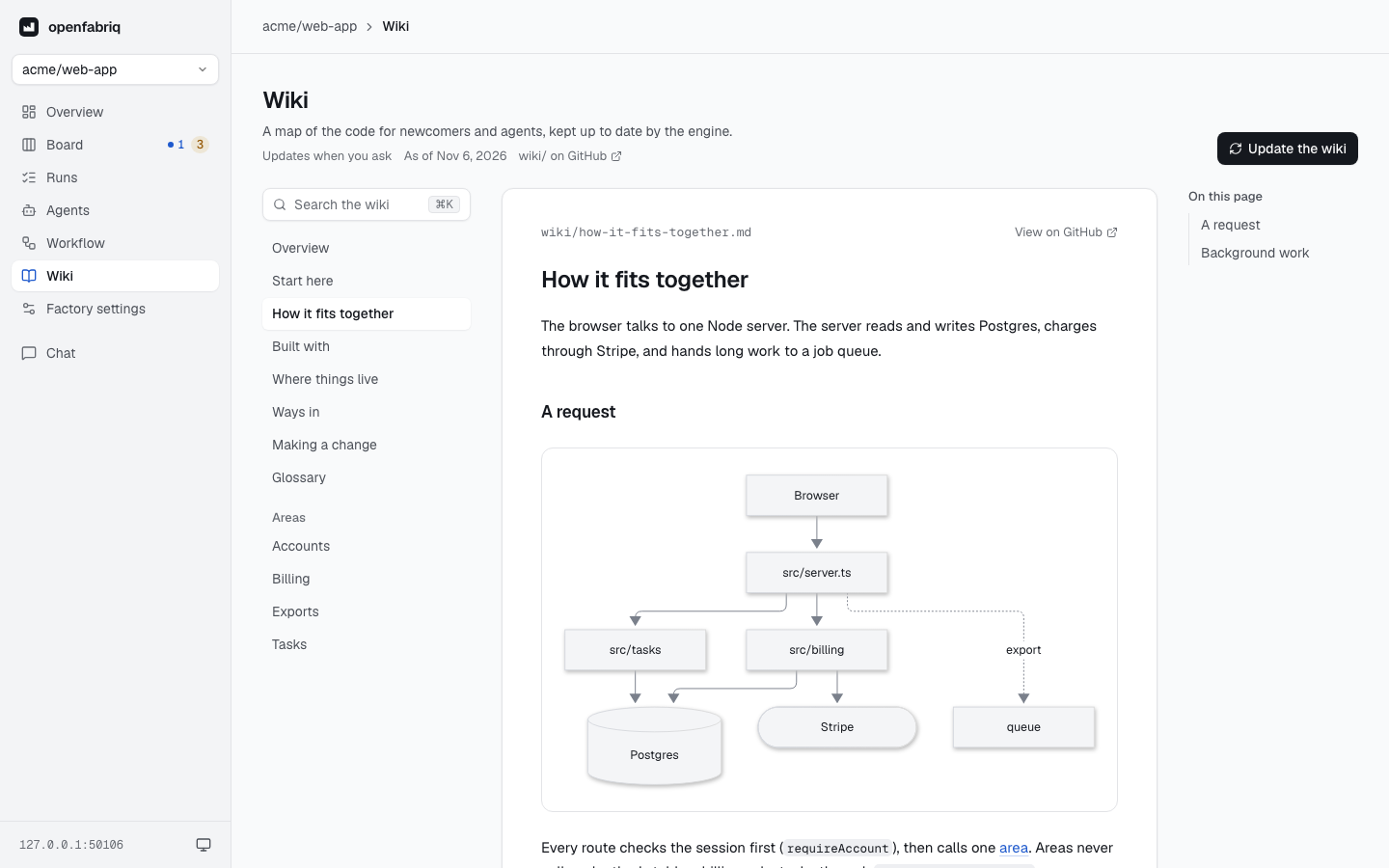
The Wiki page shows the project's wiki: a map of the code in short pages, kept up to date by an agent that comes with the engine. The wiki is off until factory.yaml says wiki: true, and the page says so. To turn it on, or set where it lives and how it updates, see Factory › Wiki.
Read
The pages are on the left, in reading order, named as the wiki's index names them; on a phone, a menu replaces the list. The page is on the right, with:
- its diagrams, drawn;
- its sections on wide screens, one click away;
- the files it was written from, under it, each linked to GitHub;
- the previous and next pages at the bottom.
A link to another page stays in the studio. A link to a file of the repository opens it on GitHub, at the commit shown.
The header says how the wiki updates and which day of the default branch it shows. The studio reads the default branch as the engine last fetched it: a merged update shows within a minute.
Search
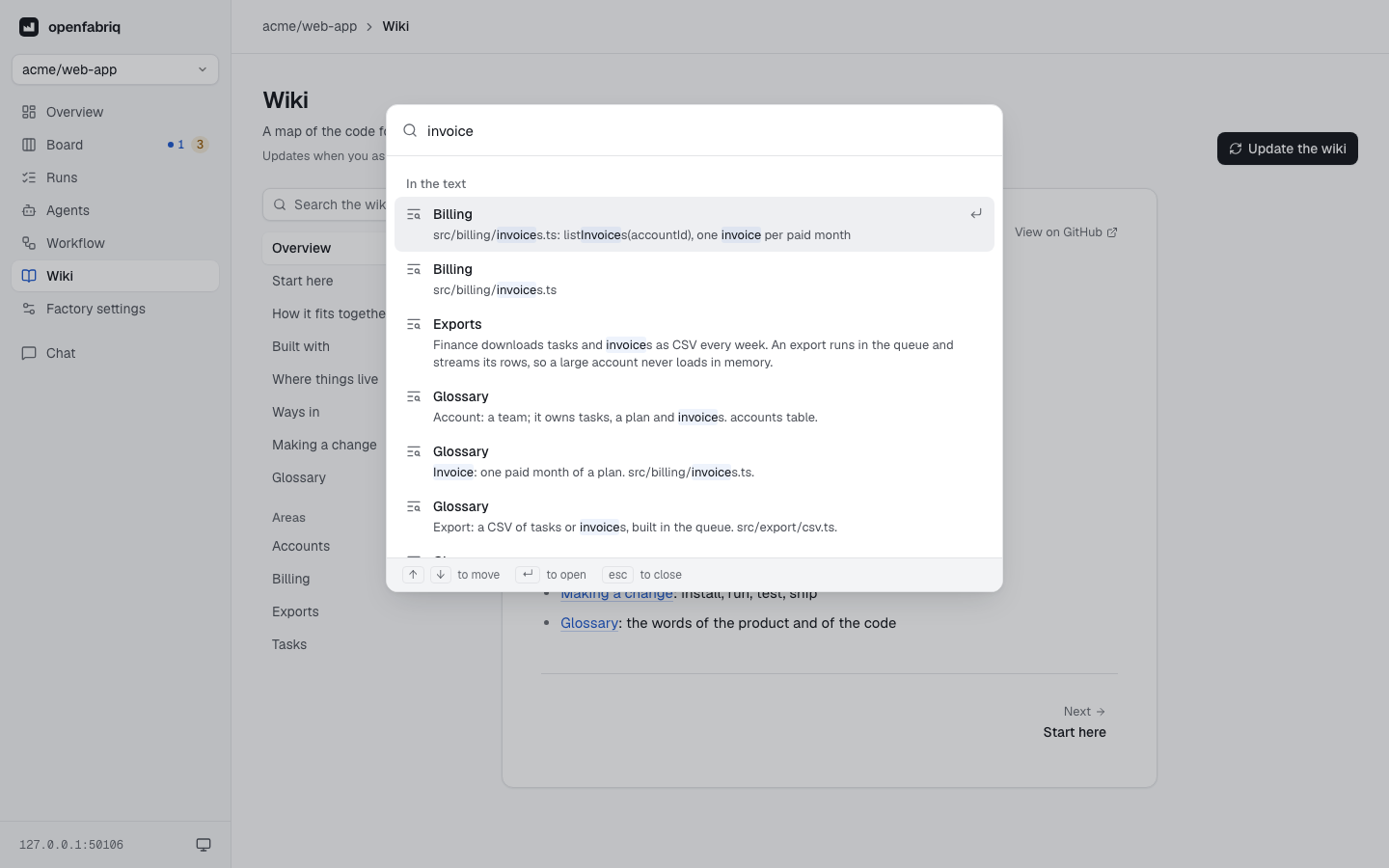
Press ⌘K (Ctrl+K), or click the field above the pages. As you type, it lists the pages whose name has your words, then the lines of text that hold them, in any case. Arrows move, Enter opens the page at that line, Escape closes.
Generate and update
Generate the wiki (before its first pages) and Update the wiki (once it exists) ask the engine for a run, like openfabriq run wiki. A run uses Claude, so the studio first says what it will do and that it stops at the factory's limit per run. Cancel has the focus.
While the run is asked for, waits or works, the button stays off, even after a reload, and a note says where the run is, with a link to it. When it is done, the note asks you to merge its pull request: the pages show once you do. If the run fails, the note says why.