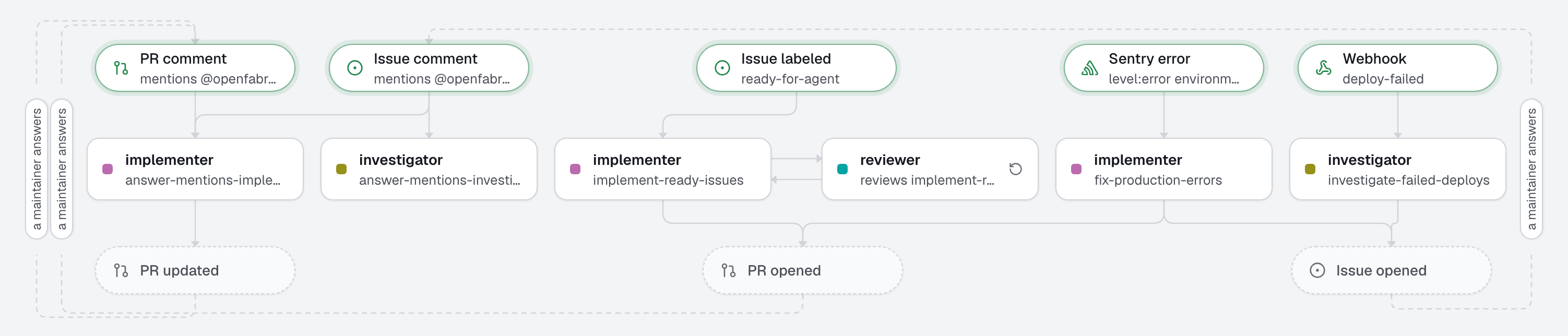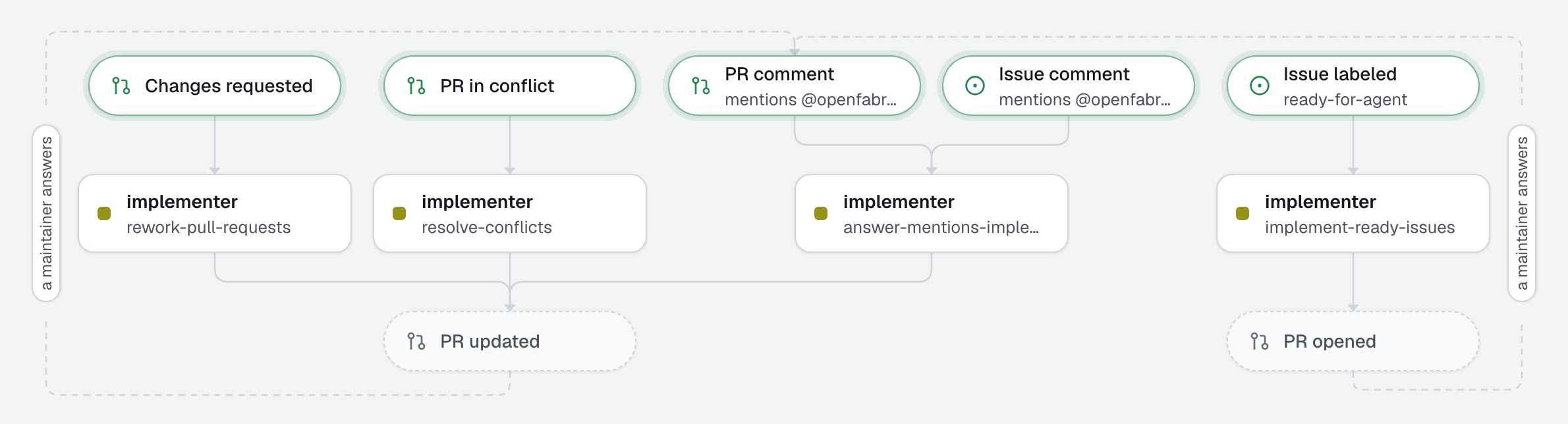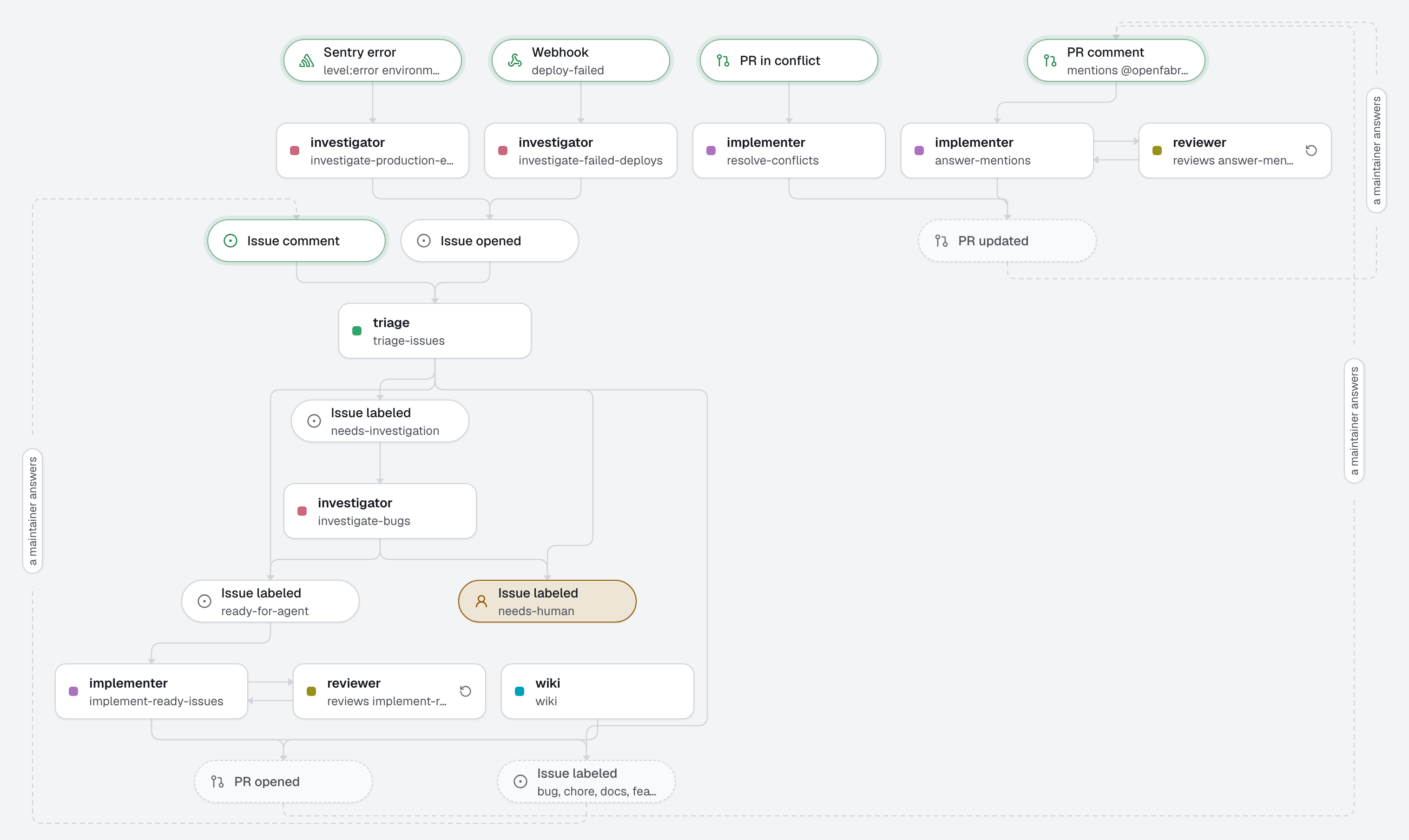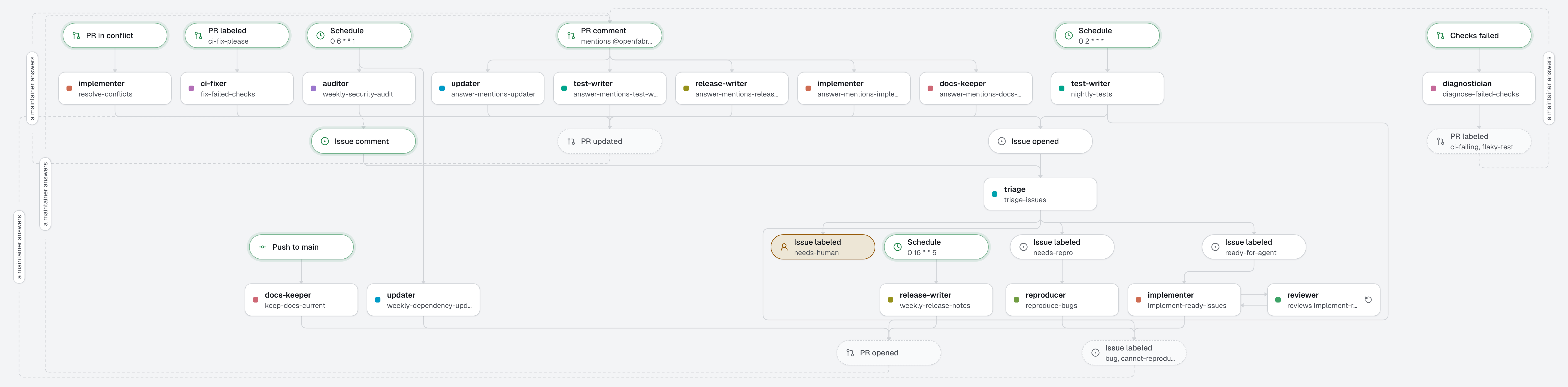
What a factory looks like once it has a dozen agents: delivery at the root, from issue to review-ready pull request, and the rest in a folder per area, qa/, maintenance/ and security/. Each folder holds its agents next to the automations that start them, so the factory still reads one subject at a time.
Ordering by area is a choice for a large factory, not the way to start: a factory with a few agents keeps agents/ and automations/ at the root, as every other template does. The agents here come from other templates, put together: 02-sdlc for delivery, 06-ci-doctor, 07-bug-reproducer and 08-test-coverage for QA, 11-dependency-updates, 12-docs-drift and 13-release-notes for maintenance, 15-security-audit for security.
What this factory does
- Delivery, at the root. Triage checks each new issue is a usable contract. A complete one goes to the implementer. Before its pull request opens, the reviewer reads the change on the machine and sends its findings back until it approves (
reviewed_by), so the pull request arrives clean, with one line on the review; nothing of the loop is written on GitHub. The implementer also resolves a conflict on its own pull request. qa/. Red checks on a pull request get a diagnosis; theci-fix-pleaselabel sends a fix. A bug triage cannot see yet (needs-repro) gets reproduced with a failing test. Every night, the least-tested module gets tests.maintenance/. Safe dependency bumps every Monday, the docs brought back in step after each change on the default branch, the release notes every Friday.security/. A dependency audit every Monday, as one issue.
Work crosses the folders through GitHub, as everywhere: triage, at the root, sends a bug to the reproduction agent of qa/ with a label; the pull requests that maintenance/ and qa/ open pass the factory's checks before they leave the machine, as in the templates they come from, and a person merges them. The studio's Workflow page shows the whole graph, or the graph seen from one area, with what comes from and goes to the others.
Tree
openfabriq/
├── factory.yaml                       one for the whole factory: maintainers, commands, checks, limits
├── skills/                            read by every agent
│   ├── browser-evidence/SKILL.md
│   └── test-driven-development/SKILL.md
├── agents/                            delivery: triage, implementer, reviewer
├── automations/                       triage-issues, implement-ready-issues (reviewed by reviewer),
│                                      resolve-conflicts
├── qa/
│   ├── agents/                        diagnostician, ci-fixer, reproducer, test-writer
│   └── automations/                   diagnose-failed-checks, fix-failed-checks, reproduce-bugs, nightly-tests
├── maintenance/
│   ├── agents/                        updater, docs-keeper, release-writer
│   └── automations/                   weekly-dependency-updates, keep-docs-current, weekly-release-notes
└── security/
    ├── agents/                        auditor
    └── automations/                   weekly-security-audit
How areas work
- An area is a folder of
openfabriq/that holdsagents/orautomations/. Its name is the folder's: lowercase letters, digits and-. An area can also have its ownskills/, which only its agents read. - Names stay unique in the whole factory, and carry no area:
qa/agents/reproducer/agent.mdis the agentreproducer, the one an automation names, the board shows andopenfabriq runtakes. Moving an agent into an area renames nothing and keeps its runs. - An area orders files; it does not fence anything. An automation may start the agent of another area, and the agents of an area can change any file their automation allows. There is one
factory.yaml, one budget and one set of maintainers. openfabriq planshows an agent or automation moved to another folder on one line,~ reproducer: moved to qa/agents/reproducer.
Make it yours
- Copy the
openfabriq/folder to the root of your repository. - In
factory.yaml, replacerepository,maintainersandtimezone, and adaptsetupand thecommandsto your project. - Keep only the areas you need: delete a folder and its agents and automations go with it. Add one by creating a folder with
agents/orautomations/in it. - Run
openfabriq plan, thenopenfabriq applyandopenfabriq start. - To try one now:
openfabriq run weekly-security-audit.