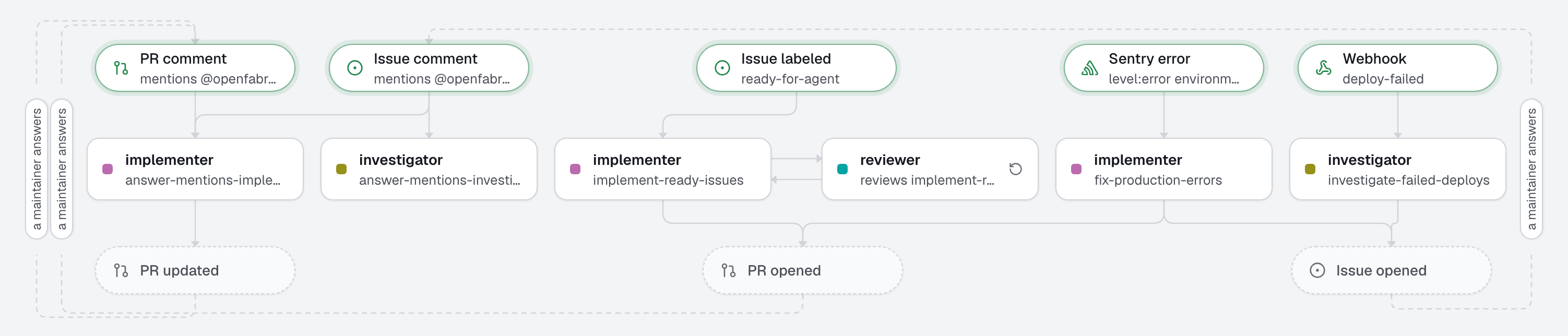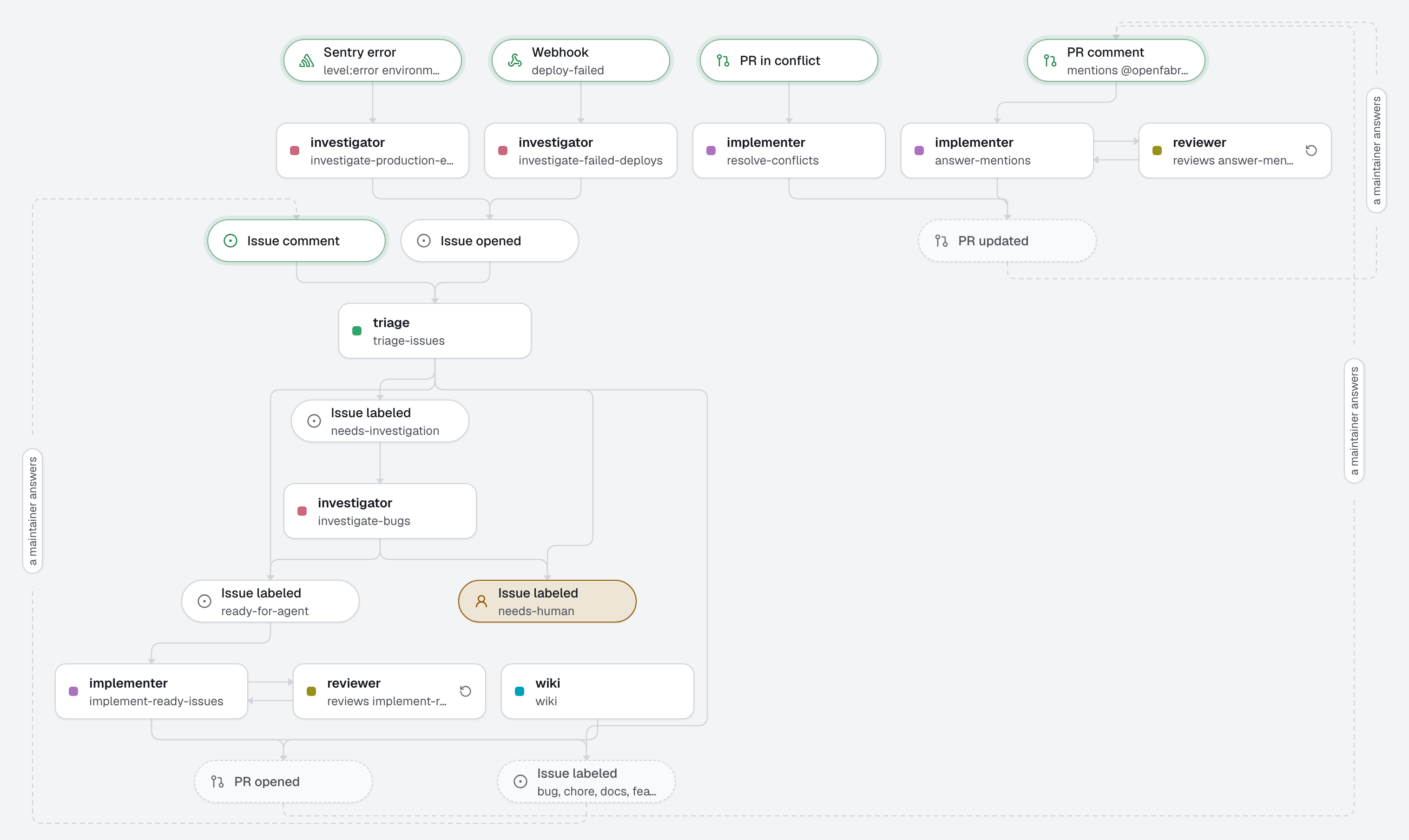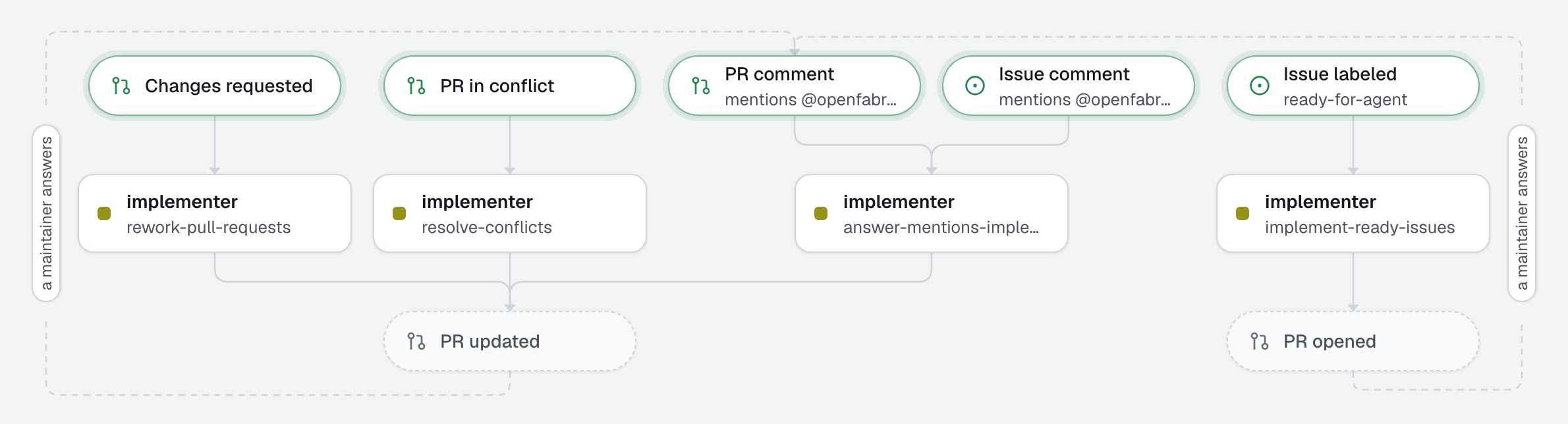
The smallest useful factory: one repository, one agent, one deliverable. A maintainer adds the ready-for-agent label to an issue; the implementation agent opens a pull request; a human reviews and merges. To change the pull request, the maintainer asks in a comment that mentions @openfabriq: "@openfabriq add a test for an empty title". That part is native: the engine sends the implementer back to its own pull request when a maintainer mentions @openfabriq, without an automation to write. Two automations send it back too, written down: when a review requests changes, and when the pull request conflicts with its base.
What this factory does
Tree
openfabriq/
├── factory.yaml
├── agents/
│   └── implementer/agent.md                    turns an issue into a pull request
└── automations/
    ├── implement-ready-issues/automation.md    when: issue.labeled ready-for-agent
    ├── rework-pull-requests/automation.md      when: pull_request.changes_requested
    └── resolve-conflicts/automation.md         when: pull_request.conflicted
The name of a folder is the name of the resource: agents/implementer/ defines the agent implementer.
Make it yours
- Copy the
openfabriq/folder to the root of your repository. - In
factory.yaml, replacerepositoryandmaintainers, and setsetupand thetestcommand to your project's own: the engine runs the tests itself before any pull request leaves your machine (checks). - Run
openfabriq validate, thenopenfabriq plan: it shows theready-for-agentlabel it will create, and the implementer's answer to mentions. Addanswer_mentions: falsetofactory.yamlif comments should never start an agent. - Run
openfabriq apply, thenopenfabriq start. - Add the
ready-for-agentlabel to an issue.