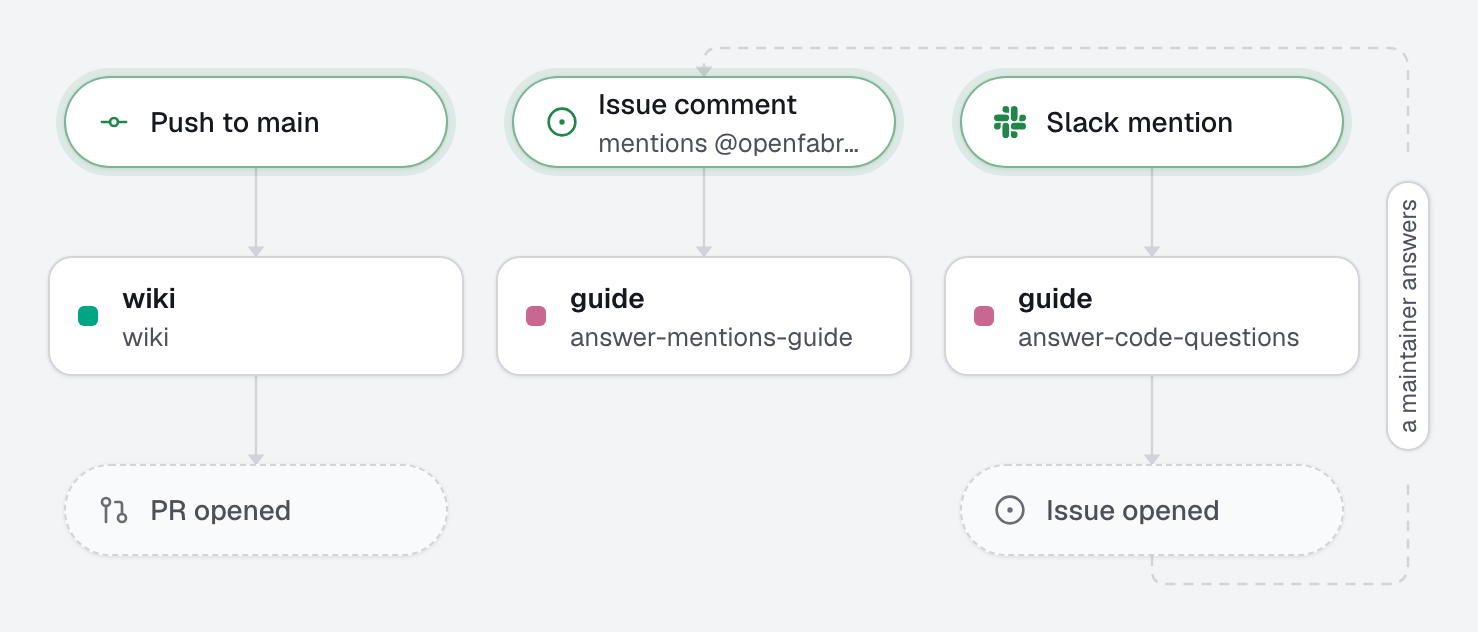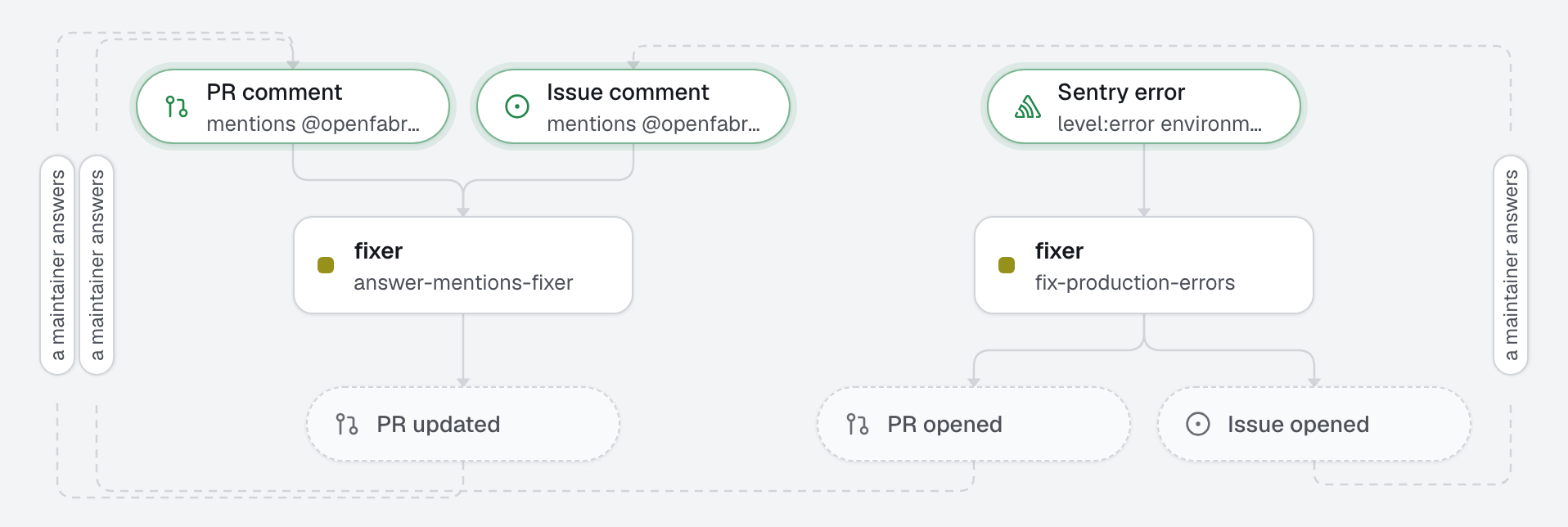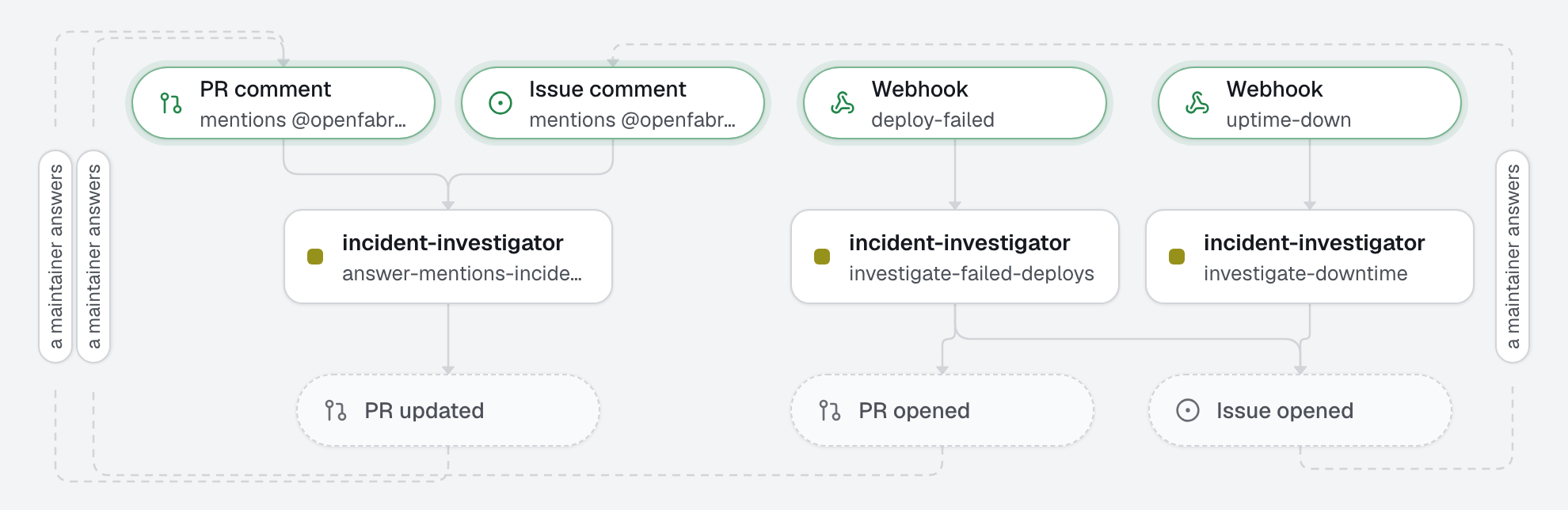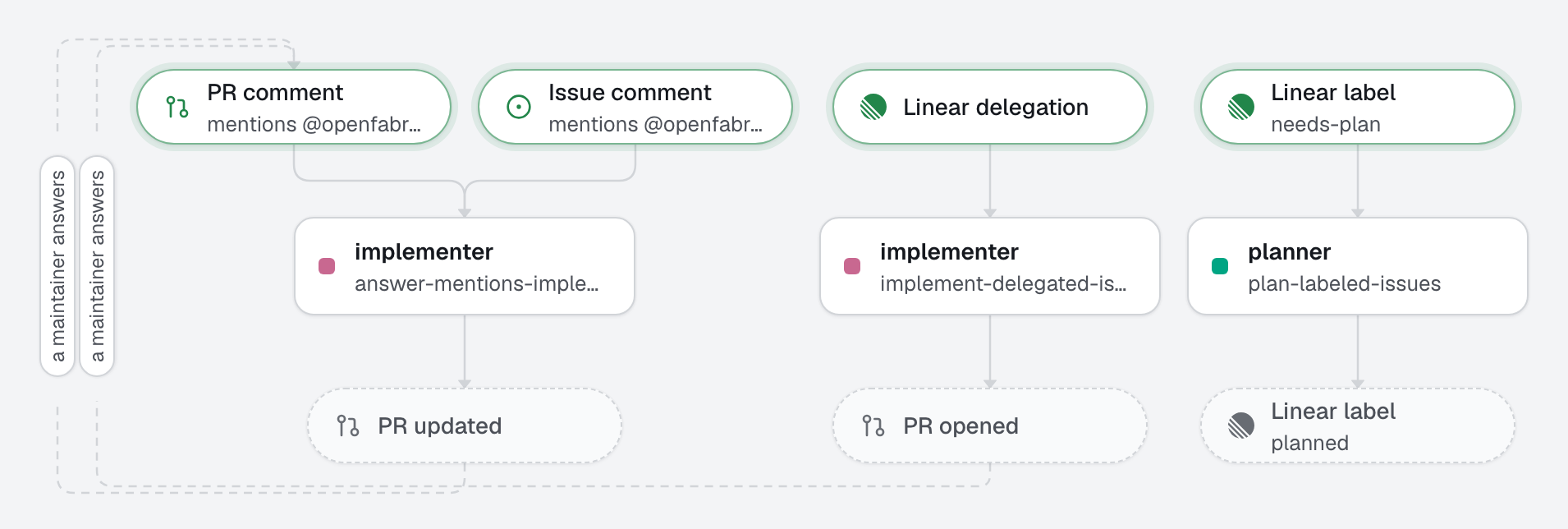
The team plans and hands work over in Linear, and the code lands on GitHub. A label asks the factory for an implementation plan, written in the issue. Assigning the issue to openfabriq, like a teammate, hands it over: an agent works in a fresh checkout, shows its progress in the issue's agent session, and answers there with the link of the pull request. A human reviews and merges on GitHub, and Linear moves the issue to Done.
Linear reaches openfabriq through your relay, a Cloudflare Worker you deploy once with openfabriq connect relay (a free account is enough), or the same code on a server of yours. It keeps what comes in while your machine sleeps; the agents run on your machine.
What this factory does
Plan, then hand over
needs-planon an issue of the team starts the planner. It reads the code, and writes in the issue what changes, the steps, the tests, the risks and its questions, each with a proposed answer. It changes nothing, then swapsneeds-planforplanned.- Assign the issue to openfabriq, or mention it in a comment: the implementer follows the plan when the issue has one, works test first, and opens the pull request, titled with the issue's identifier (
ENG-14: …). When the issue is unclear, it opens nothing and asks its questions in the session; answer there, and it goes on. - On GitHub, the pull request lives like any other: a maintainer's
@openfabriqon it gets an answer from the implementer.
Least privilege: a Linear run may comment, change the issue's labels, and open a pull request; it can neither push to an existing pull request nor review one. Before the pull request leaves, the engine runs the checks itself.
Tree
openfabriq/
├── factory.yaml                          integrations.linear.team, setup, commands and checks
├── agents/
│   ├── planner/agent.md                  reads the issue and the code, writes the plan; reads only
│   └── implementer/agent.md              delivers the issue as a pull request, or asks
├── automations/
│   ├── plan-labeled-issues/              when: linear.issue.labeled needs-plan
│   └── implement-delegated-issues/       when: linear.issue.delegated
└── skills/
    └── test-driven-development/SKILL.md  test first, red then green, the failing run as proof
Make it yours
- Copy the
openfabriq/folder to the root of your repository. - In
factory.yaml, replacerepository,maintainers, the Linear team's key,setupand the commands. - In Linear, create the
needs-planandplannedlabels in the team. openfabriq connect relayonce, thenopenfabriq connect linear: it explains how to create the Linear application and install it. Turn on Linear's GitHub integration for the repository, so the pull requests show on their issues.- Run
openfabriq plan, thenopenfabriq start. Addneeds-planto an issue, or assign one to openfabriq.